
Marvin

At a Glance
Marvin

Pricing Model:
Paid

Platforms
Web; Browser extension

Export Options
Download recordings as MP4, transcripts as text, and files from the project. Marvin also supports exporting or sharing notes and insights to connected tools such as Google Sheets, Figma, Jira, Asana and Notion; exact options vary by content type.

Best For
Comparing qualitative findings over time

Use Cases
Qualitative research repository, Interview recording and transcription, AI-assisted synthesis, Cross-study search, Theme and insight discovery, Importing surveys, support tickets and research files


Marvin
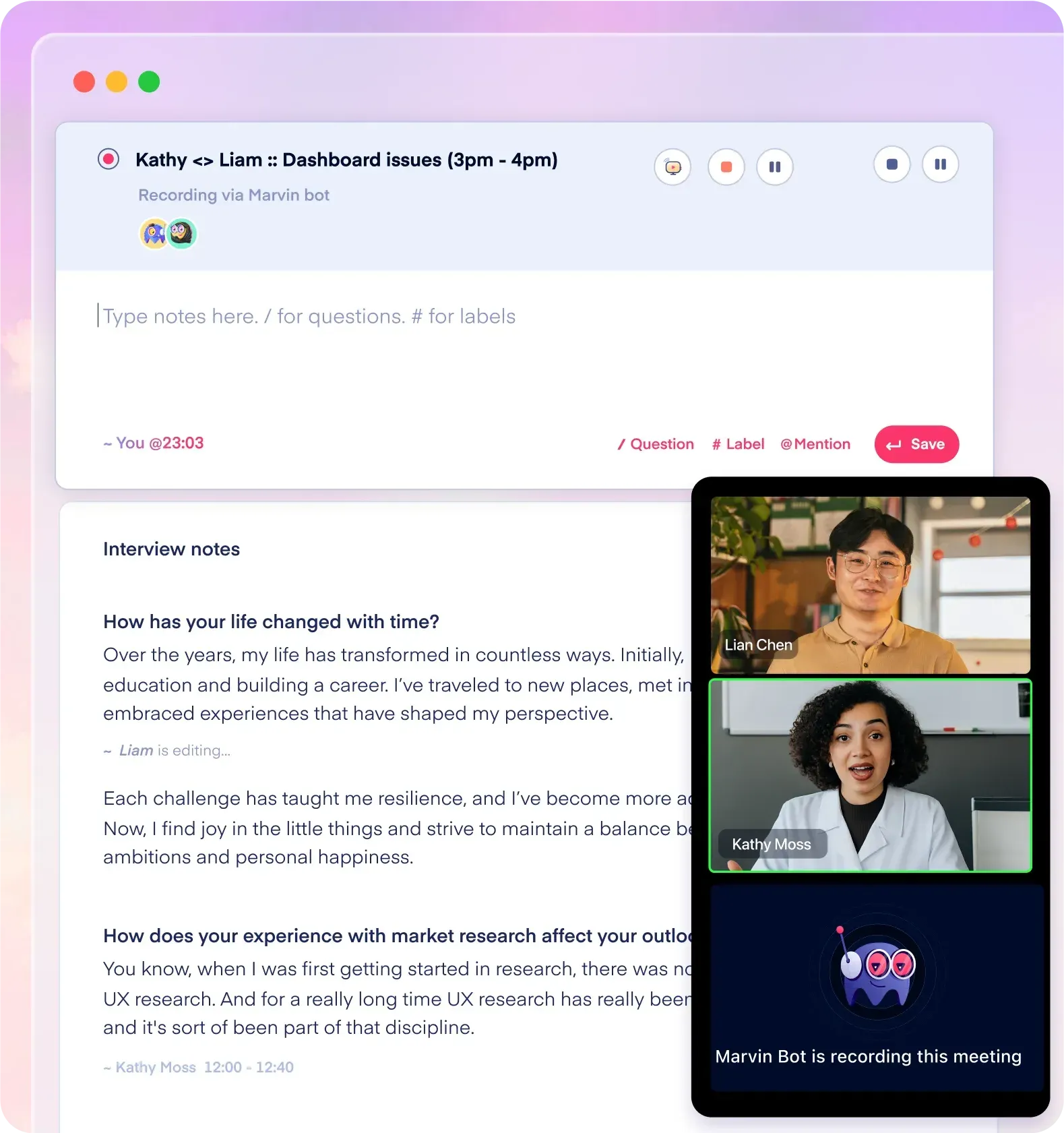
AI-assisted qualitative research repository for organizing research notes, interviews, and findings and identifying themes.
Developer:
Marvin
Tool Interface Preview
Our Take
An independent, practical assessment for students and researchers.
Practical Value
Can help researchers search and compare qualitative evidence gathered at different stages of a project.
Limitations
It is a supporting analysis workspace, not a dedicated longitudinal study-design or statistical modeling tool. Verify data organization and export options for cross-wave analysis.
Recommended Use
Use as an analysis and repository aid when comparing qualitative material collected across multiple waves; preserve wave and date metadata.

Key Features
• Research repository
• AI-assisted qualitative analysis
• Search across research data
• Theme identification
• Research synthesis

Research Tasks
Cross-wave qualitative synthesis; research repository search; theme comparison

Integration Support:
Connects with Zoom, Google Meet and Microsoft Teams; imports surveys from Qualtrics, Pendo, Google Forms and SurveyMonkey; supports dscout, UserTesting and Maze research data, plus Google Drive, OneDrive, SharePoint, Miro, Asana, Jira, Figma and Google Sheets.

Pricing Structure
Contact provider for current pricing.