
Microsoft Copilot

At a Glance
Microsoft Copilot

Pricing Model:
Freemium / Free Trial

Platforms
Web; Mobile

Export Options
Word; PDF; Text

Best For
Web research and drafting

Use Cases
Research Exploration, Literature Summaries, Academic Drafting, Research Presentations


Microsoft Copilot
General-purpose AI assistant for web search, summarization, writing, and question answering. Microsoft 365 integrations and.
Developer:
Microsoft
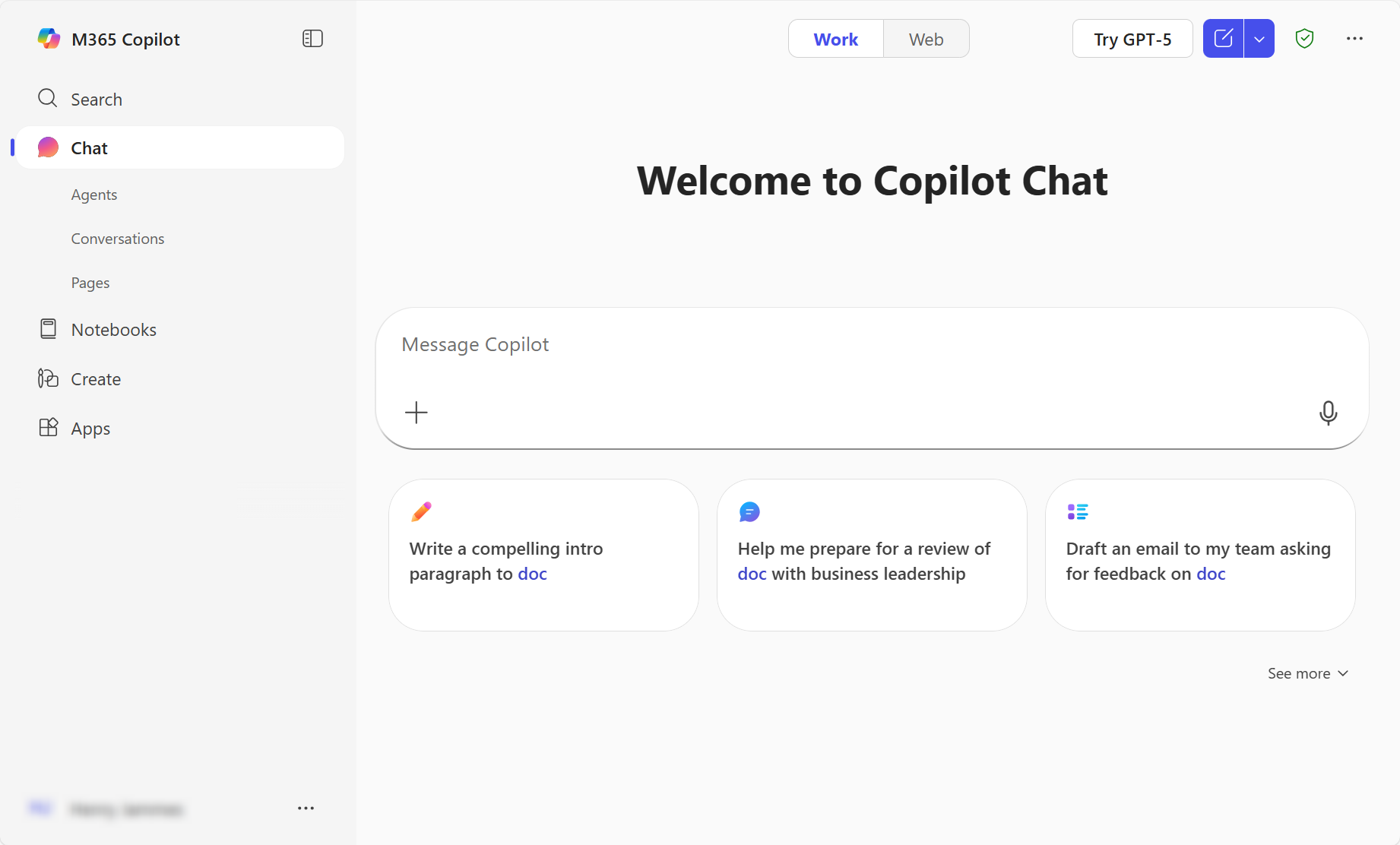
Tool Interface Preview
Our Take
An independent, practical assessment for students and researchers.
Practical Value
Microsoft Copilot is a general-purpose assistant that can help researchers brainstorm search terms, explain unfamiliar concepts, summarize material, and draft or revise text. Its web-connected responses can be useful for an initial orientation, while Microsoft 365 integrations and available capabilities depend on the account, subscription, and organizational settings.
Limitations
It is not a curated scholarly database, and a fluent answer may omit relevant studies or misrepresent a source. Follow citations to the original papers, confirm that each source supports the specific claim, and keep a reproducible search strategy for formal reviews.
Recommended Use
Check your institution's data and AI policies before entering unpublished or sensitive research.

Key Features
• Conversational assistant
• Web-grounded responses and citations
• Document summarization and drafting
• Microsoft 365 app integration

Research Tasks
Summarize background sources; draft or revise project documents; organize ideas for a proposal; analyze files in supported workflows; independently verify citations and factual claims.

Integration Support:
Microsoft 365 Suite. Additional options include Microsoft Graph & Enterprise Data, Bing and plugins & extensions: Supports third-party service plugins.

Pricing Structure
Free Copilot chat; Microsoft 365 Personal with Copilot: $9.99/month or $84.99/year (US list pricing; plan/features vary).